Introduction & Glossary
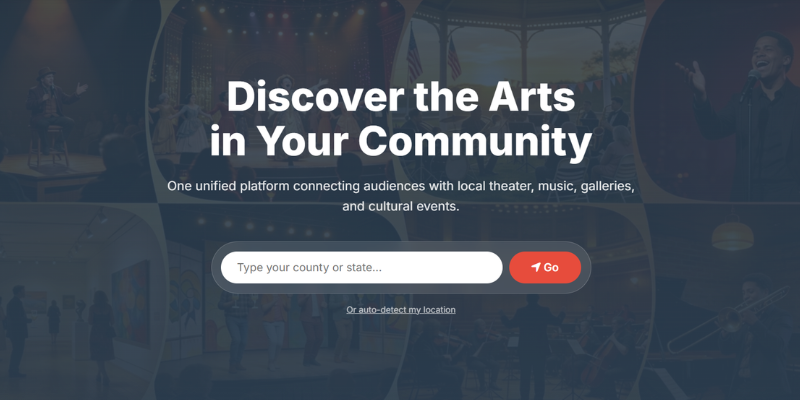
Welcome to the Unified Arts Calendar network! Our purpose is to serve as a clearing house for arts and arts-related events, providing a centralized platform for the public to discover events in their area.
Key Definitions
To help you navigate the platform, here are a few terms we use frequently:
- Public Members: Anyone can register for a free account to follow categories, save favorite events, and build a personalized dashboard.
- Contributors: Local creators or organization leads who apply to post events on a regional calendar.
- Advertisers: Local businesses who sponsor the calendar and run targeted ads.
- Regional Administrators: The directors responsible for recruiting, monitoring, and approving contributors within a specific geographic area.
- Super Administrators: The site owners (Unified Arts) who manage the global network and billing infrastructure.
Calendar Hierarchy
- Region: A geographic area, usually defined by county and state, where arts organizations operate.
- Categories (The "What"): Used to group performances by type (e.g., Orchestra, Theatre, Comedy).
- Series (The "Who"): Linked to specific performing groups or organizations (e.g., Wellsboro Men's Chorus).
- Events: The actual concerts, plays, gallery showings, or fundraisers organized by contributors.
Navigating the Calendar
The Unified Arts platform is designed to make finding local events intuitive and visually engaging.
Viewing Events
Once an event is published, it appears on the main regional page. You can toggle between different views:
- Grid View: Stacks events visually with their cover images. This is the default view.
- Calendar View: Displays events in a traditional monthly or weekly layout.
- Map View: Shows interactive marker pins for the venues hosting upcoming events.
Event Details & QR Codes
Clicking on any event will open a detailed window containing everything you need to know:
- Venue Information: Physical address, photos, and an embedded interactive map.
- Event Description: Full details provided by the creator.
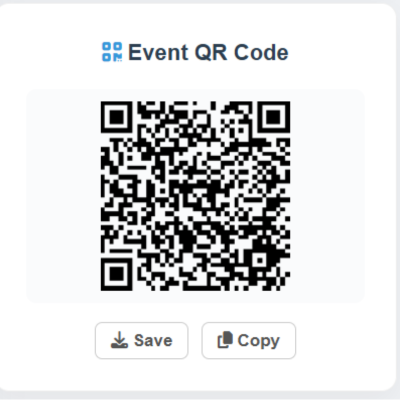
- QR Codes: A dynamically generated QR code is available on every event page. You can download or copy this QR code to quickly share the event on physical flyers or social media!
Personalized Dashboards
As a registered user, you don't have to sift through hundreds of events to find what you care about. You can build your own Custom Feed.
Following Content
Whenever you view an event, category, or series, look for the Follow or Save buttons. Clicking these will automatically route those items to your personal Member Dashboard.
Sharing Your Feed
Are you the arts coordinator for a school, or a hotel concierge wanting to show guests local events? You can share your curated list!
On your Member Dashboard, click the Share via QR button. Anyone who scans that code (or clicks the link) will see a beautiful, read-only version of your customized calendar. They do not need an account to view it!
Managing Your Account
To update your account settings, click on your profile icon in the top navigation bar and select Profile Settings.
Profile & Customization
From the Profile tab, you can update your email, change your password, and customize your Dashboard. You can set a Custom Feed Title (e.g., "Mrs. Smith's Theatre Picks") and upload a custom Hero Background Image that will display at the top of your personalized feed.
Billing & Subscriptions
If you are a Contributor, Advertiser, or Regional Admin on a paid tier, you can manage your finances via the Billing & Subscriptions tab.
- Update Card Info: Securely update your payment method via our encrypted Square integration.
- Cancel Autopay: Turn off automatic renewals. Your subscription will remain active until the end of your current cycle.
- Billing History: View past receipts and request refunds from administration if necessary.